Generate a high-resolution image of a green checkmark inside a circular outline, use a DSLR camera with 50mm lens, aperture f/1.8, ISO 100, and natural lighting.
Create a high-resolution digital illustration of a computer mouse cursor, featuring a stylized checkmark design next to a red circle with a line through it, using a Canon EOS R5 camera with a 50mm lens at f/2.8, ISO 100, shot on a clean white background.
Create a vibrant digital illustration of a green checkmark and a red cross on a smooth gradient background, shot with a DSLR camera at f/8 for sharp detail, 50mm lens for natural perspective, and a low ISO setting to minimize noise.
Create a high-resolution image of a magnifying glass focusing on a checkbox with a checkmark inside, vibrant orange gradient background, shot with a DSLR camera at f/4.0, ISO 100, 50mm lens, overhead view, digital graphic style.
Create a high-resolution digital illustration of a circular badge with a checkmark in the center, using a clean white background, shot with a Canon EOS R5 at f/8, ISO 100, 50mm lens, in a flat lay perspective with soft diffused lighting.
Create a high-resolution image of a circular teal checkmark symbol on a glossy surface, using a DSLR camera with a 50mm lens, aperture set to f/2.8, ISO 100, and a shallow depth of field, captured from a slightly elevated angle for a clean and modern look.
create a high-resolution image of a checkmark with multiple layers and varying thicknesses against a white background, camera settings: f/8, ISO 100, shutter speed 1/200s, camera view: close-up, camera style: minimalist, camera type: DSLR
Create an illustration of a hand writing on a feedback form with three emoticons: a happy face, a neutral face, and a sad face, with a checkmark next to the happy face, using a DSLR camera with a 50mm lens, ISO 100, f/1.8, natural lighting, and a top-down view for clarity.
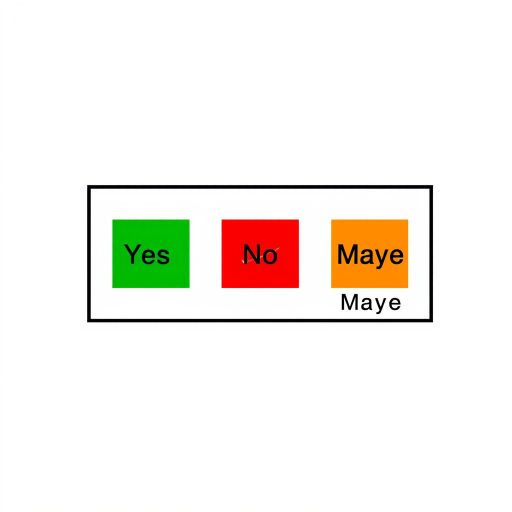
Create a high-resolution image of a voting selection screen with three boxes labeled Yes (green), No (red), and Maybe (orange), with a checkmark on the Maybe box, using a DSLR camera with a 50mm lens, aperture set to f/2.8, ISO 100, soft lighting, and a slightly overhead view for depth.
Generate an image of a minimalistic black and white design featuring a checkmark icon, captured with a Canon EOS R5 at f/8, 1/125 sec, ISO 100, in a flat lay view with natural lighting, emphasizing sharpness and clarity.
Create an illustration of a bar chart with red and black bars, a green checkmark shield overlaid, on a light gray background, using a high-resolution digital camera with a 50mm lens, f/1.8 aperture, ISO 100, and natural light for enhanced clarity and depth.
Create an image of a large green circular badge with a white checkmark in the center, using a Canon EOS 5D Mark IV, f/2.8 aperture, ISO 100, 50mm lens, natural lighting, and a soft focus style.
Create a high-resolution image of a large green circular checkmark icon on a transparent background, captured with a 50mm lens at f/8 aperture, ISO 100, in a soft diffused light setting for even colors.
create a high-resolution image of a large checkmark symbol with a minimalistic design, captured with a DSLR camera at f/2.8 aperture, ISO 100, 1/200 sec shutter speed, using a macro lens to emphasize detail and smooth background bokeh
Create a high-resolution vector graphic of a shield logo with a blue checkmark inside, shot with a DSLR camera at f/8 aperture, 1/100s shutter speed, ISO 200, using a clean white background for enhanced contrast and clarity.
Create a high-resolution image of a light blue document with a gray checkmark icon in the upper left corner and a golden header, captured with a DSLR camera at f/2.8, ISO 100, 50mm focal length, and natural lighting to enhance clarity and detail.