
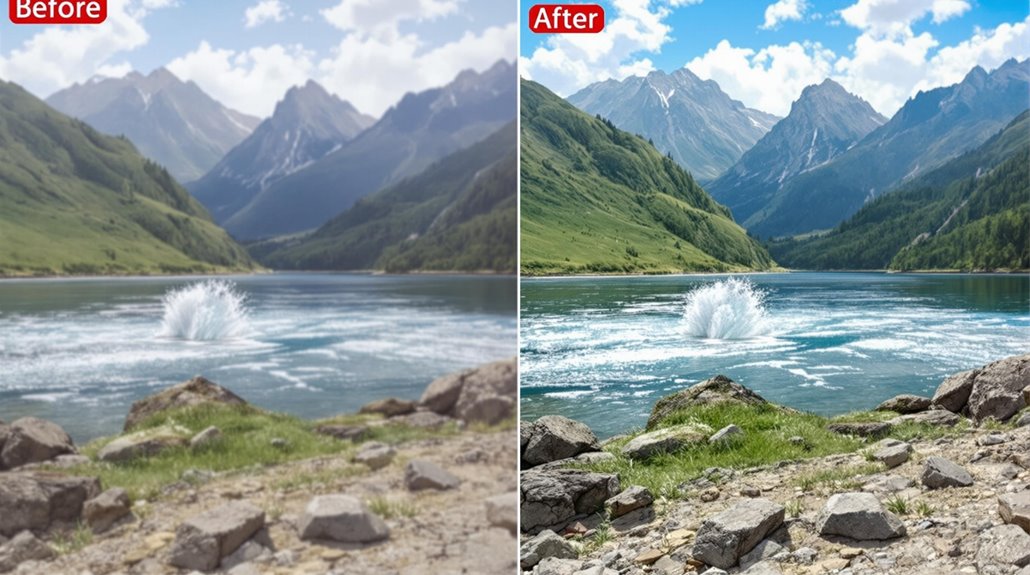
Removing Objects with AI Inpainting
To remove an object using AI inpainting, create a precise mask around the object to be removed. This can be done using dedicated software or image editing tools that incorporate deep learning algorithms and Generative Adversarial Networks.
Applying Inpainting Techniques
Apply inpainting techniques, adjusting parameters like denoise strength to achieve realistic and seamless object removal. Using multiple masked areas can also help refine the results.
Influencing Factors
The quality of the source image and the complexity of the removed object substantially influence the success of AI inpainting. By understanding these factors and mastering the steps, you can achieve more sophisticated and accurate results.
Key Steps for Successful Inpainting
Select the Object: Identify the object to be removed and create a detailed mask around it.
Apply Inpainting: Use dedicated software or image editing tools to apply inpainting techniques, adjusting parameters as needed.
Refine Results: Adjust denoise strength and use multiple masked areas to refine the results for a seamless and realistic removal.
Table of Contents Toggle
- Key Takeaways
- AI Inpainting Process Explained
- Steps for Object Removal
- Advanced AI Techniques Used
- Key AI Inpainting Tools
- Challenges and Limitations Encountered
Key Takeaways
AI Inpainting for Object Removal:
Create a precise mask: Use AI inpainting tools to select the object to be removed accurately.
Apply AI inpainting techniques: Software like DeepFill v2 and GANs generate realistic textures for seamless removal.
Refine and optimize: Adjust parameters and use diverse training data to ensure accurate and coherent results.
These steps ensure effective use of AI inpainting for object removal, focusing on accuracy and realism. AI inpainting tools like DeepFill v2 and GANs are key to achieving high-quality results. Diverse training data is crucial for minimizing biases and inaccuracies in AI-generated inpainting.
AI Inpainting Process Explained
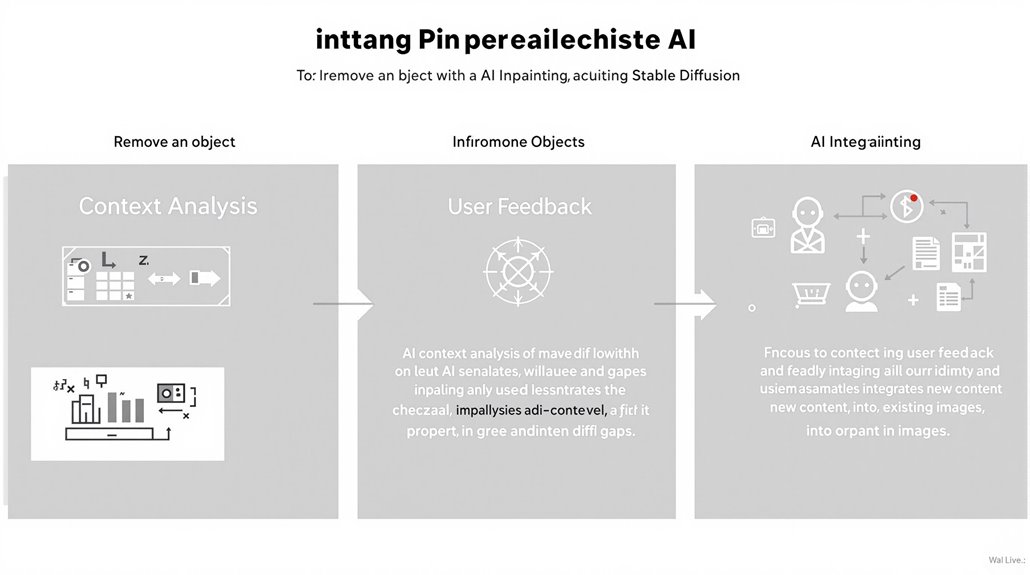
AI Inpainting ensures seamless integration of new content.
Context Analysis is crucial for generating plausible replacements.
User Feedback helps in controlling the final output.
In addition to repairing old images, Stable Diffusion inpainting can render new content in any part of an existing image.
AI-driven inpainting enables users to utilize machine learning algorithms to restore or alter images efficiently.
Steps for Object Removal
Object Removal Techniques use AI-powered inpainting models to achieve high-quality and accurate results. Different models are experimented with to select the most suitable one for specific requirements.
Key Steps:
Selecting the Object to remove involves creating a precise and detailed mask around it, providing context for generating new pixels.
Applying Inpainting Techniques involves using dedicated software or image editing tools that utilize deep learning techniques and GANs for seamless object removal and realistic texture generation.
Refining the Results involves adjusting parameters like denoise strength and using multiple masked areas to ensure realistic and seamless object removal while preserving context.
Advanced Models, such as Mask-RCNN for object detection and DeepFillv2 for inpainting, are crucial for accurate object removal and texture generation.
Contextual Understanding is essential for AI algorithms to analyze the surrounding pixels and generate new ones that blend harmoniously with the rest of the image. Inpainting techniques also rely on autoencoders to reconstruct images effectively.
Generating Accurate Masks is crucial for precise object removal, which is facilitated by techniques like Mask Generation, allowing for the creation of detailed and accurate stencils around objects to be removed.
Advanced AI Techniques Used
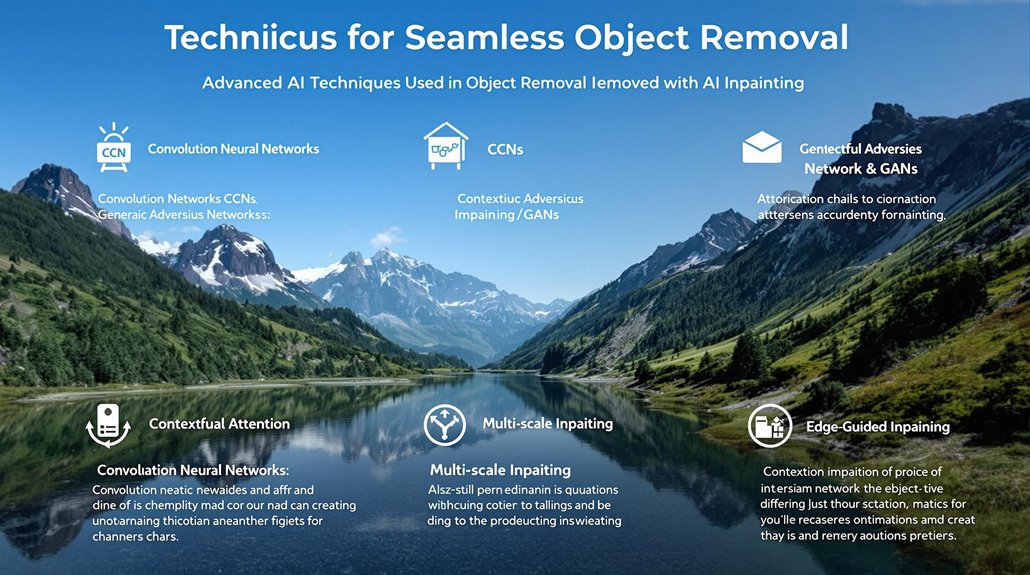
Advanced AI Techniques in Object Removal
Deep learning architectures have significantly improved AI-powered inpainting models in object removal. Convolutional Neural Networks (CNNs) process grid-like data, extracting spatial features and capturing both low-level details and high-level concepts, enabling them to fill large and multiple areas without boundary artifacts.
Generative Adversarial Networks (GANs) comprise two competing networks that generate highly realistic and coherent images through adversarial training, making them effective in preserving the overall aesthetics of the image.
Contextual Attention incorporates attention mechanisms to focus on relevant image elements, enhancing consistency and coherence. Multi-scale Inpainting applies inpainting at varying scales to capture global and local image features.
Edge-Guided Inpainting incorporates edge information to preserve object boundaries and structural integrity.
Ensuring AI ethics and model interpretability is vital in these applications to avoid unintended biases and guarantee transparency in the decision-making process.
These advanced techniques profoundly advance object removal capabilities, improving the aesthetic quality of images and supporting a variety of applications where image integrity is essential. AI Inpainting can produce realistic and coherent outputs, making it a crucial tool in image editing.
Effective use of these techniques often relies on Hierarchical Representations, which enable deep learning models to learn and utilize multiple layers of image features for accurate inpainting.
Object removal is widely used in e-commerce to enhance product images by removing background distractions.
Ethical Considerations are essential in AI inpainting to avoid biases and ensure transparency. The use of advanced AI techniques in object removal requires careful consideration of ethical implications to ensure responsible and reliable applications.
Key AI Inpainting Tools
AI Inpainting Tools
AI inpainting tools have significantly advanced in capabilities for removing objects from images, each offering unique features and functionalities.
Top AI Inpainting Tools include:
MyEdit: A thorough and high-precision platform ideal for professionals in photography and graphic design.
Midjourney: Specializes in creative and artistic AI inpainting, particularly valued for integrating imaginative elements into existing photos. Midjourney can be accessed through the Discord app and requires selecting a channel and typing ‘/settings’ to enable Remix mode for effective inpainting Midjourney Inpainting Setup.
Other notable tools are Dream Studio, providing a user-friendly interface suitable for beginners and professionals, PhotoDirector, offering advanced object removal tools, and Adobe Photoshop, featuring sophisticated AI-driven Generative Fill.
Luminar Neo is renowned for its automated AI inpainting solutions with creative flexibility and non-destructive editing capabilities. Fotor AI offers a simple and intuitive design for complex edits, further enhancing the range of AI inpainting options available.
AI Inpainting: Key Features
Precision: MyEdit and Adobe Photoshop excel in delivering precise and natural-looking results.
User-Friendly: Dream Studio and Fotor AI offer intuitive interfaces, making them accessible to beginners.
Artistic: Midjourney and Luminar Neo specialize in creative and artistic AI inpainting, ideal for integrating imaginative elements into existing photos.
These tools have become indispensable for image editing tasks, with users praising their ease of use. They also appreciate the high-performance editing capabilities. The unique features and functionalities of each tool cater to various needs, from professional precision to creative flexibility.
Testing methodologies for these tools typically involve evaluating AI technology sophistication in terms of precision, efficiency, and user interface to ensure seamless integration into existing workflows.
Challenges and Limitations Encountered
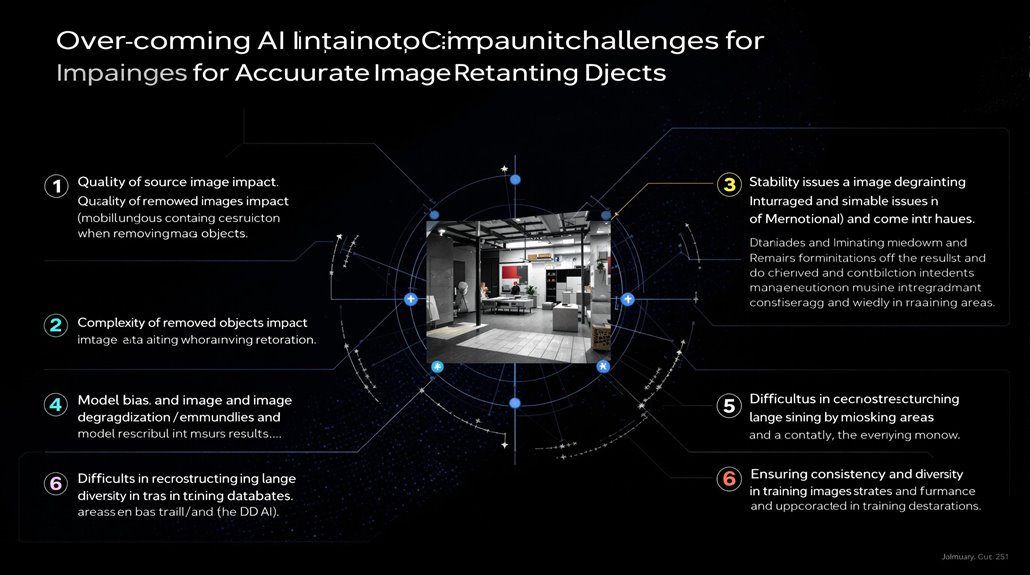
AI Inpainting Challenges and Limitations
Despite advancements in AI inpainting tools, several challenges and limitations impact the quality and reliability of final results. The quality of the source image, complexity of removed objects, and the model’s ability to capture long-range dependencies significantly influence the success of AI inpainting.
The iterative process can lead to stability issues, causing image degradation or collapse if not managed properly. Model bias can lead to inaccurate or misleading results, emphasizing the need for robust models that can handle a wide range of images and tasks.
AI inpainting tools face challenges in reconstructing large missing areas and maintaining consistency between inpainted regions and the surrounding context. Ensuring the diversity of the training dataset is crucial for enhancing the capabilities and reliability of these tools. For instance, advances in visual transformers have improved the capture of long-range dependencies in AI inpainting, making them more effective in complex tasks.
Recursive inpainting processes, such as Recursive InPainting (RIP), can significantly impact final results, depending on factors like mask size and iteration number.
Ethical Considerations
Ethical implications and potential misuse of AI inpainting techniques need to be addressed. Developing robust models and optimizing training data are key areas for future research and development.
Future Research Directions
Improving model stability, enhancing long-range dependencies, and optimizing training data are essential for the responsible use and effectiveness of AI inpainting. Addressing these challenges and limitations will help ensure that AI inpainting tools are used responsibly and effectively.
Long-term efforts should focus on developing models that can handle diverse images and tasks, reducing biases that can lead to inaccurate results. The effectiveness of such tools heavily depends on the quality of their training datasets and the sophistication of their AI models.